Windows application
idolLiveAudio
Balance vocals and music, organize effects, record your session and control the sound you send to your audience.
Explore product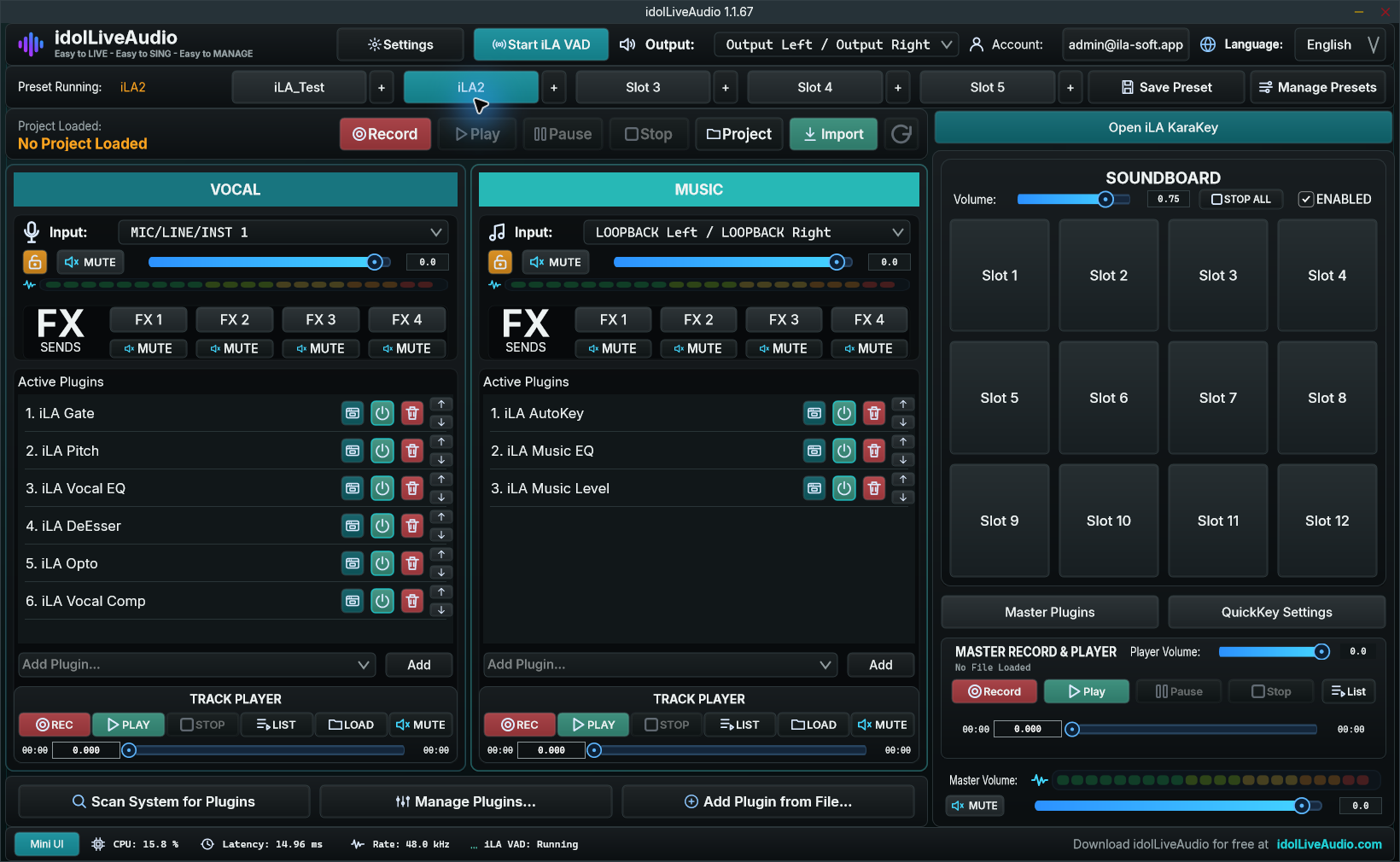

Our products
A workspace for your live session. A connection to your audio devices. Effects to shape your sound. Explore the tools that bring them together.
The foundations
Windows application
Balance vocals and music, organize effects, record your session and control the sound you send to your audience.
Explore product
Windows audio driver
Connect your microphone and speakers to idolLiveAudio, then send the processed mix to your streaming application.
BETAAvailable through iLA Nexus.
Explore product Technology & setup ↗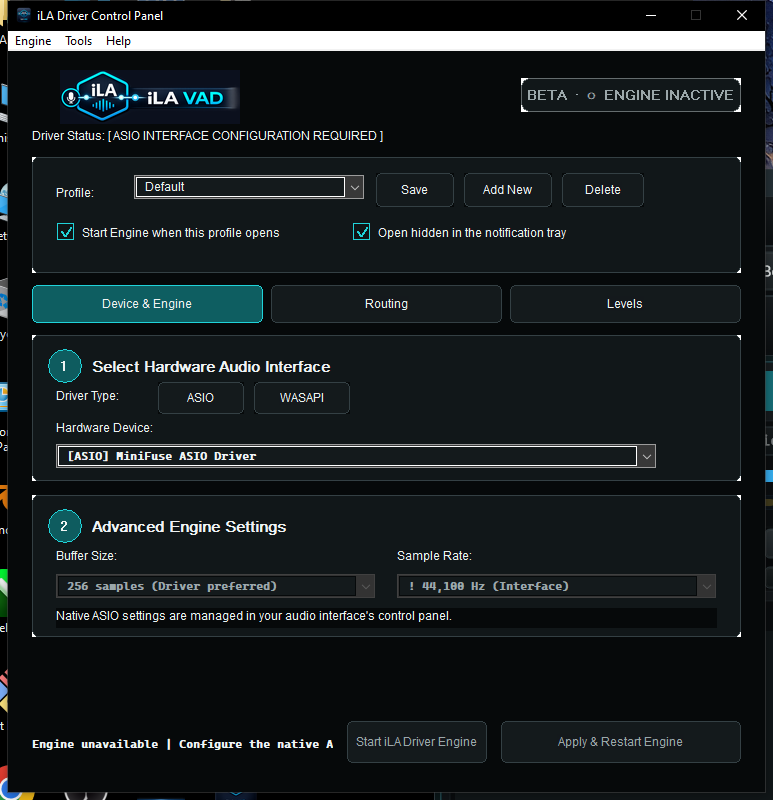
Your music companion
Find backing tracks, organize playlists and send the song's key to supported tuning plugins in idolLiveAudio.
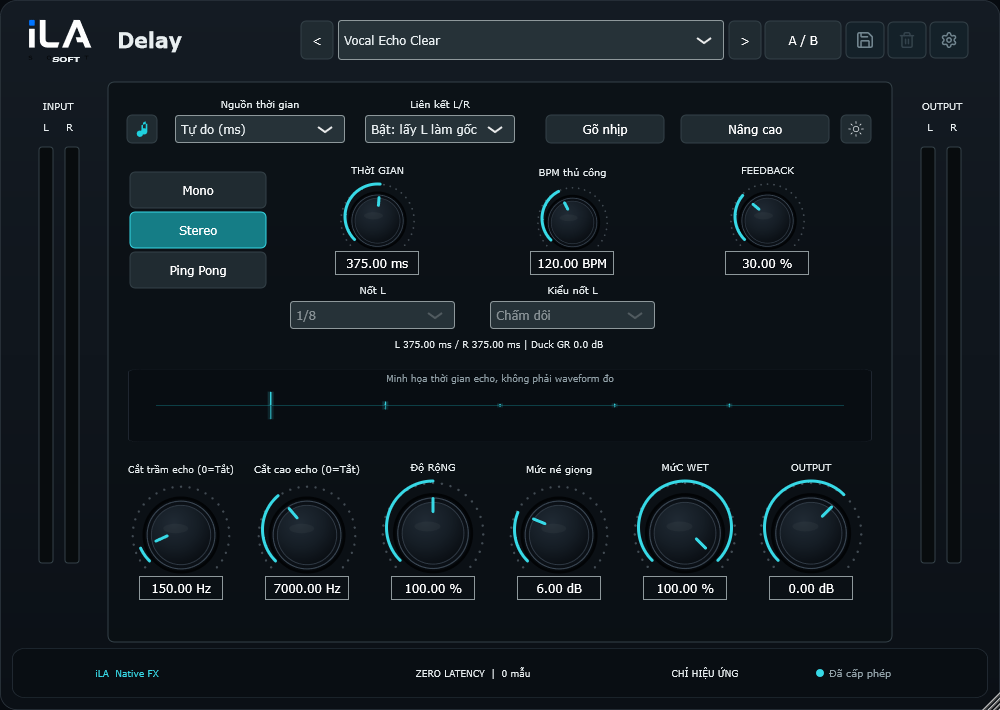
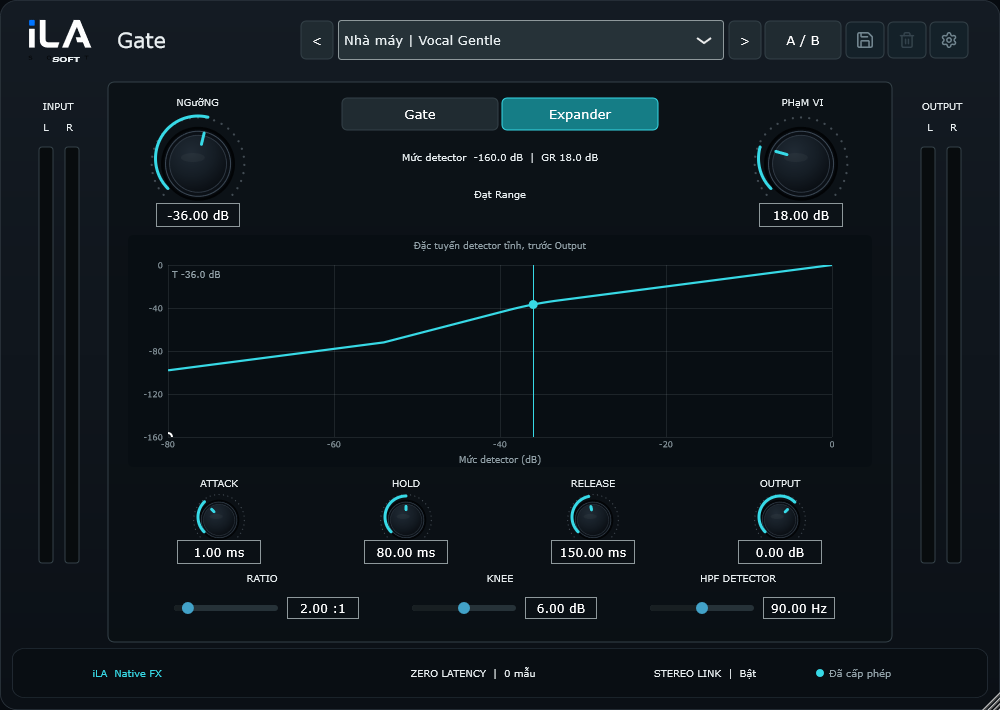
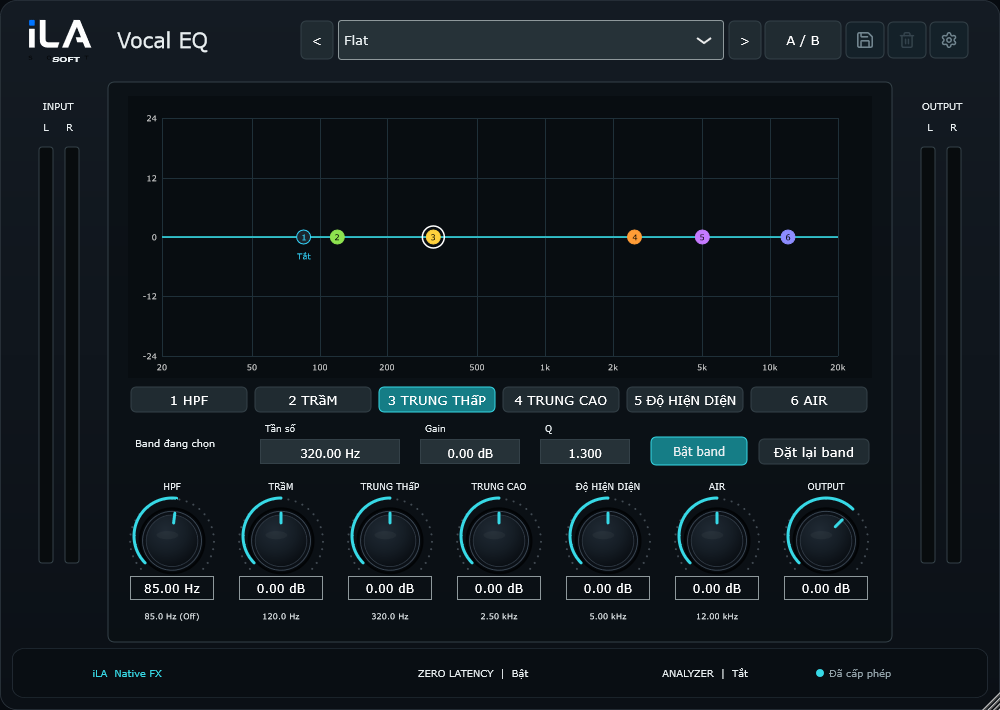
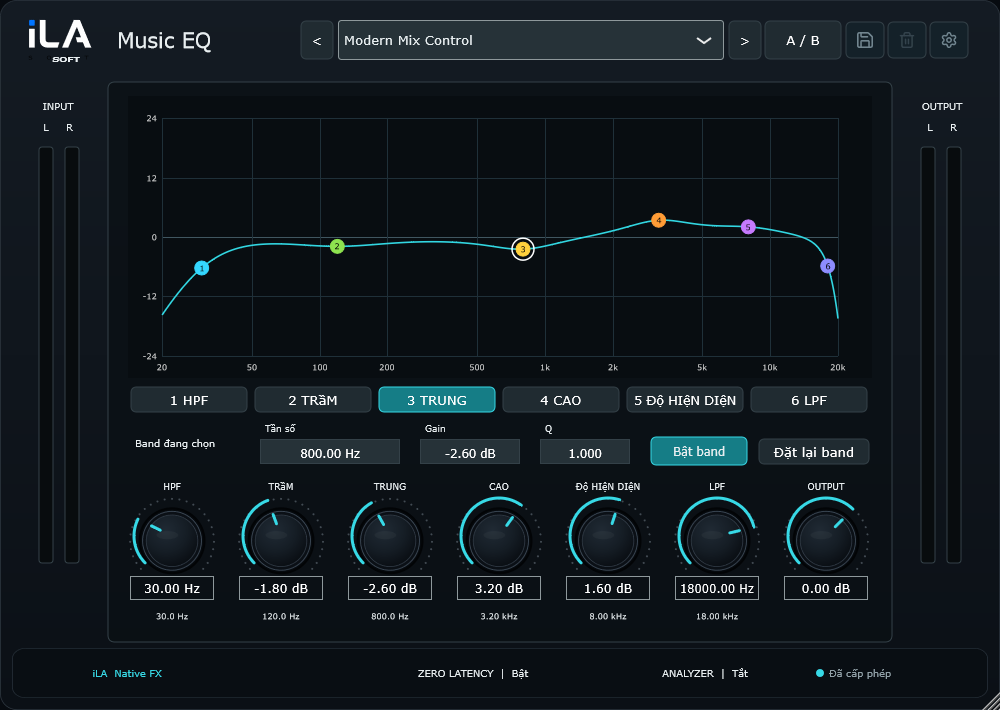
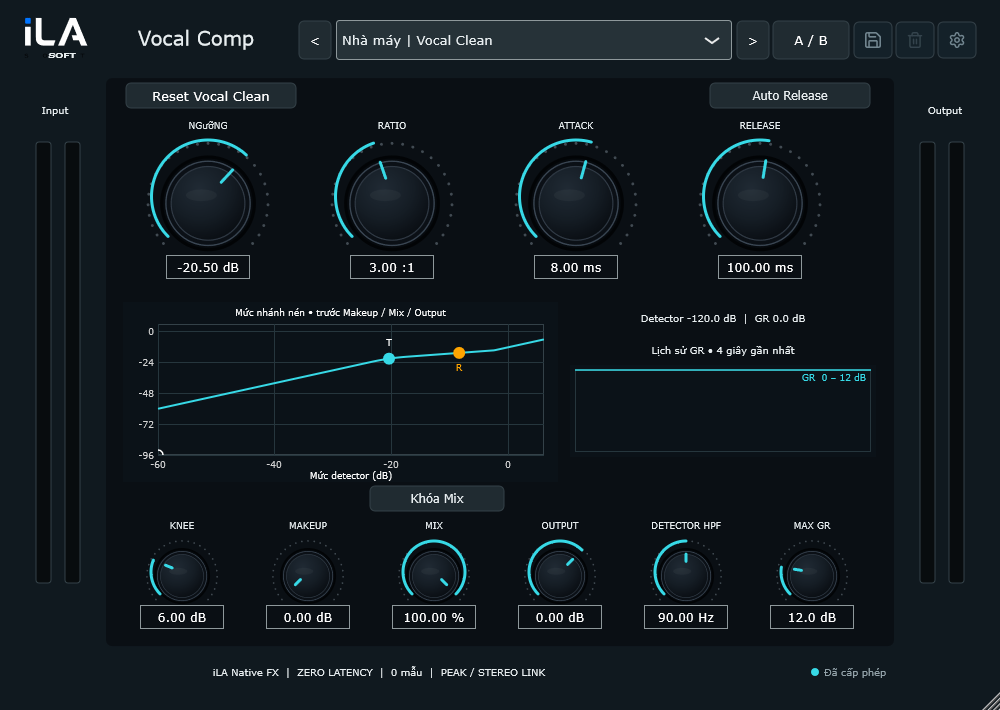
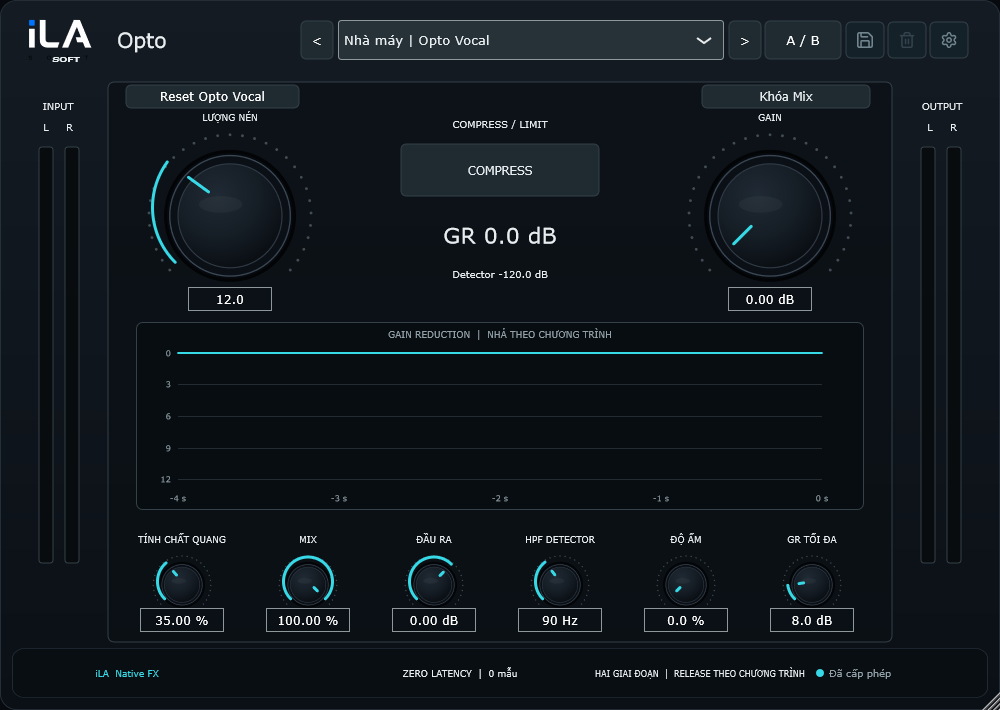
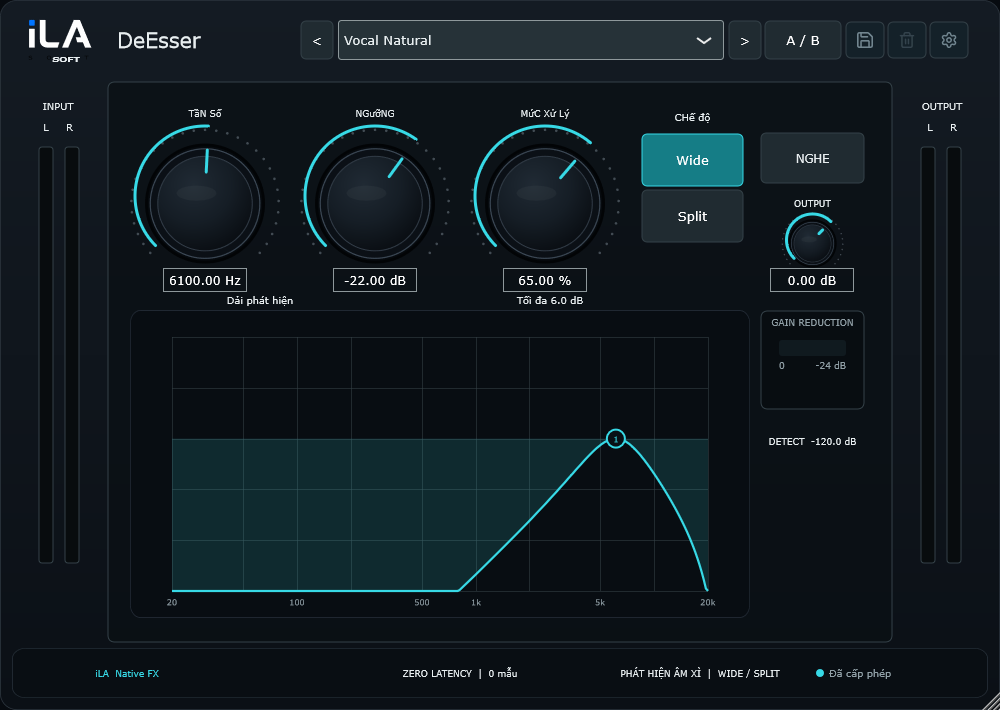
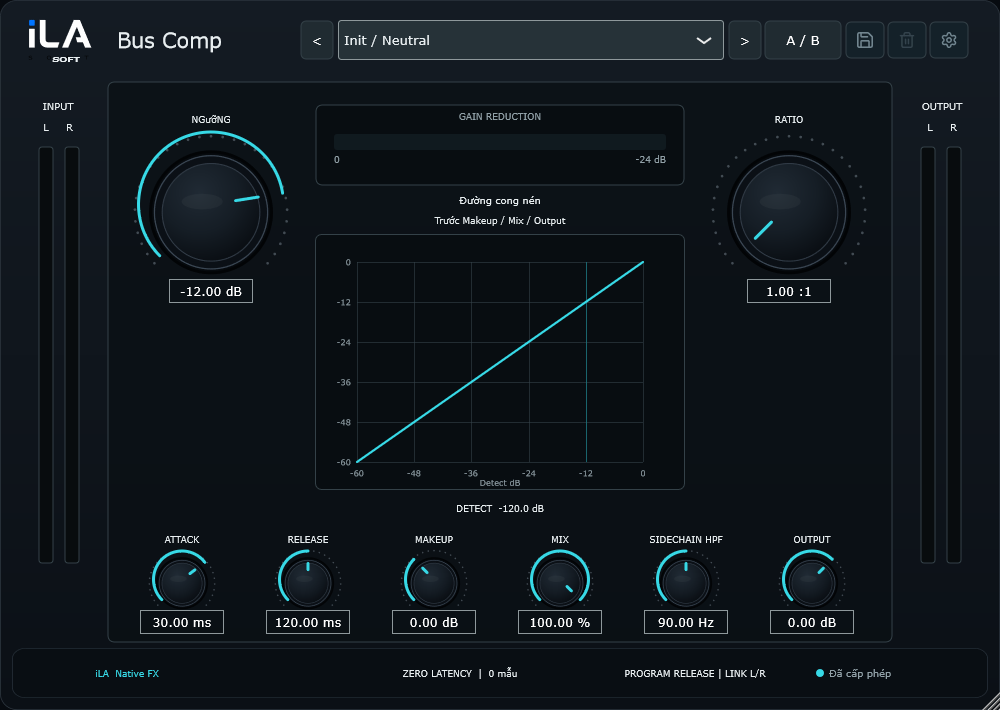
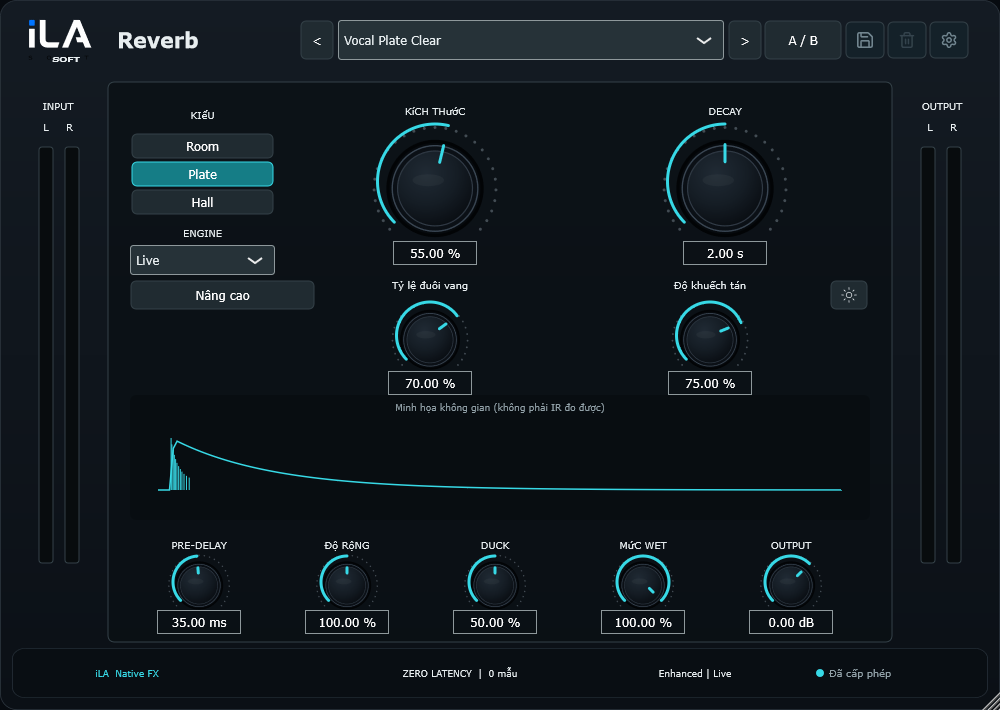
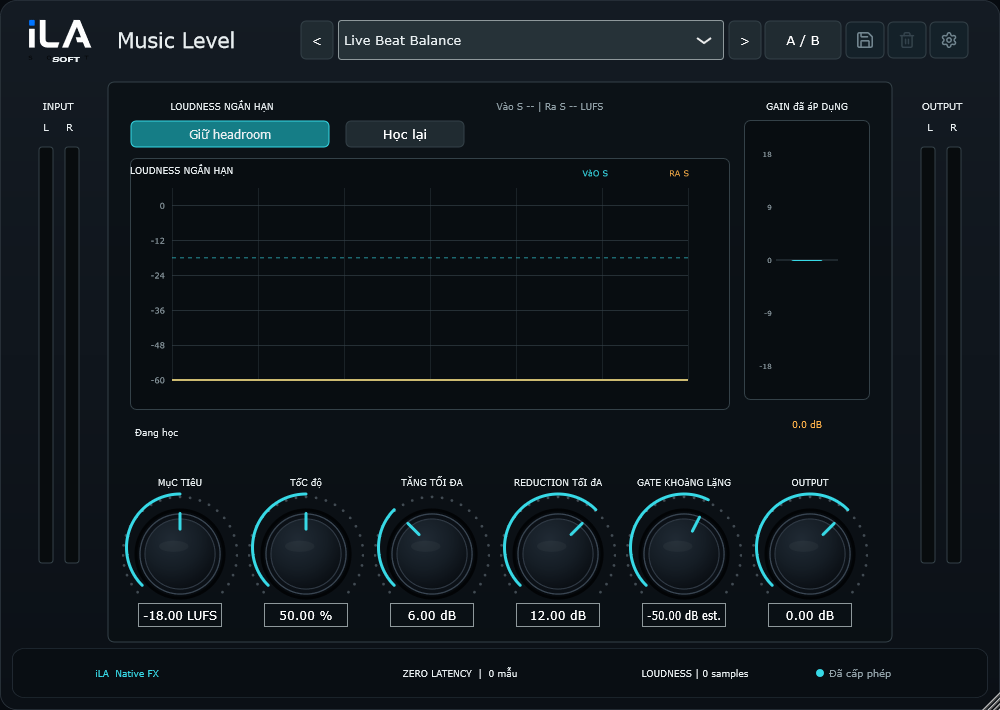
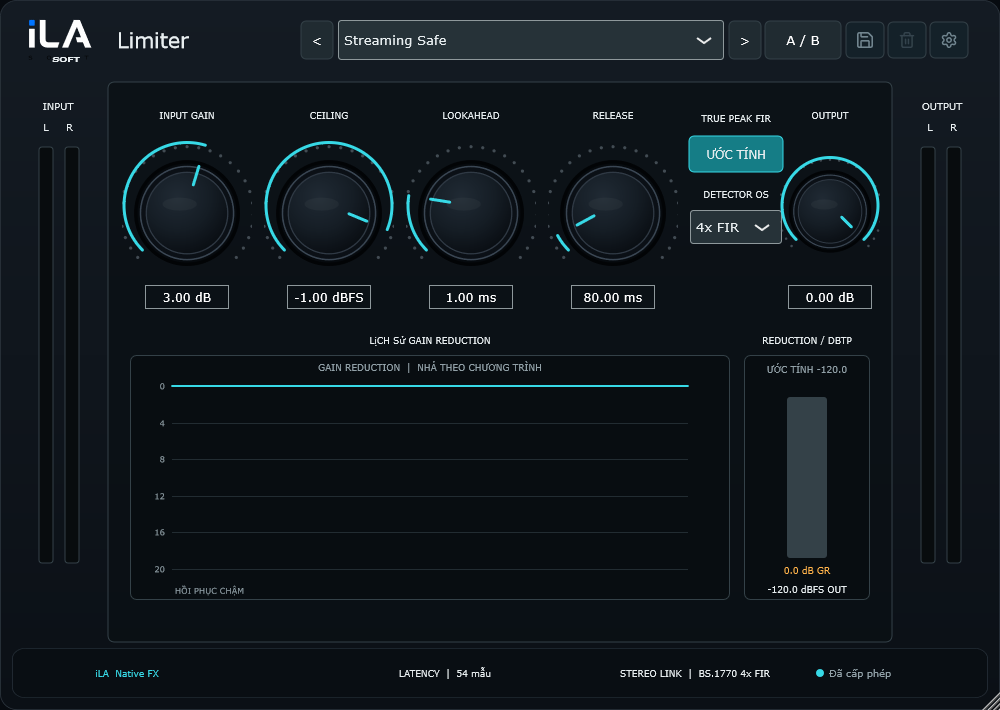
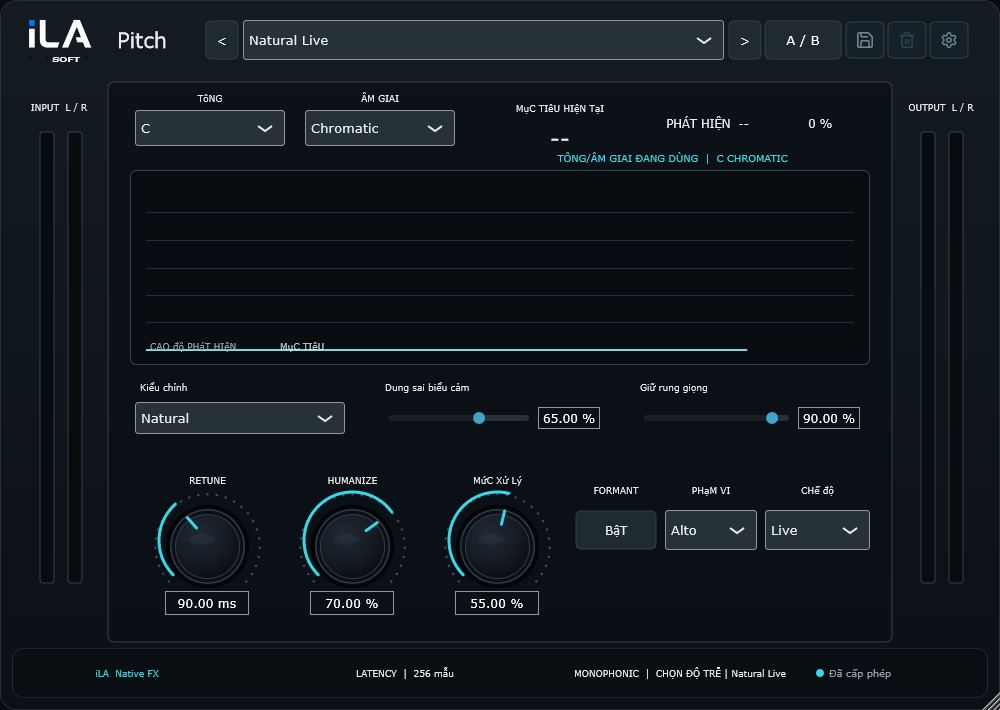
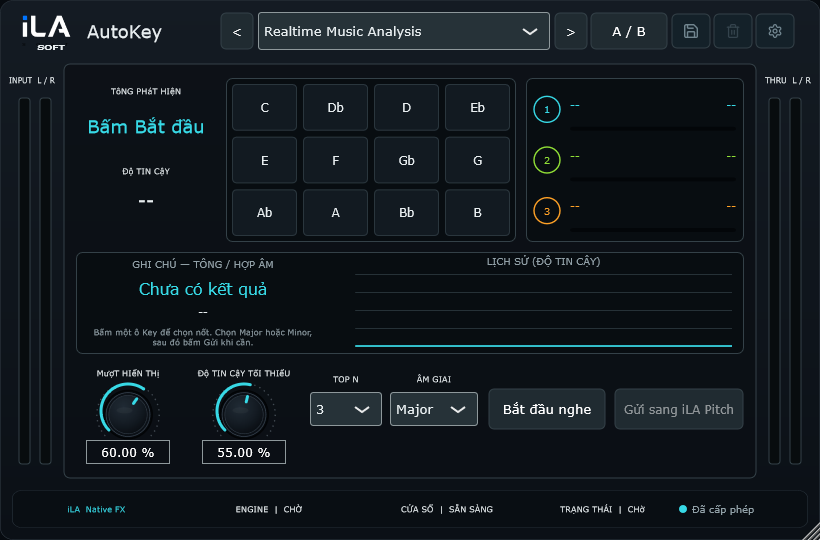
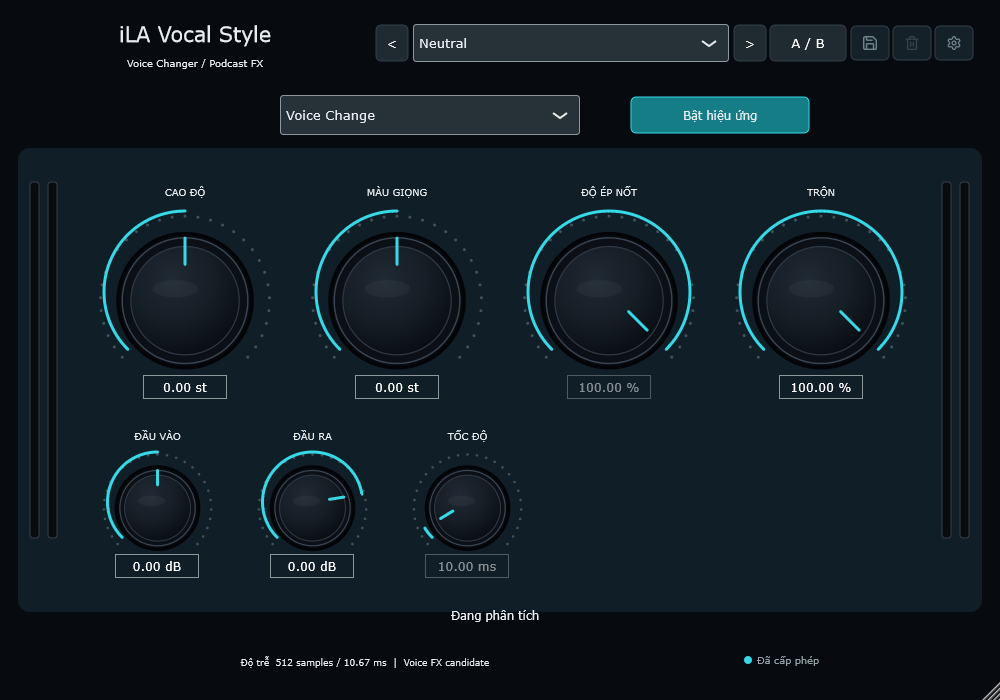
iLA Native FX 14
From shaping the voice to balancing music and adding space, choose the effect that serves your next session.
iLA Nexus
Manage your iLA products and licenses in one application. Get the installer from our official product website.